How to Redeem Your PTE Voucher Code
Follow these simple steps to book your PTE exam using your voucher code
Visit Pearson PTE Website and Book Test
Visit the Pearson PTE website at www.pearsonpte.com. On the top right corner, you will find a button "Book Test" — Click on that.
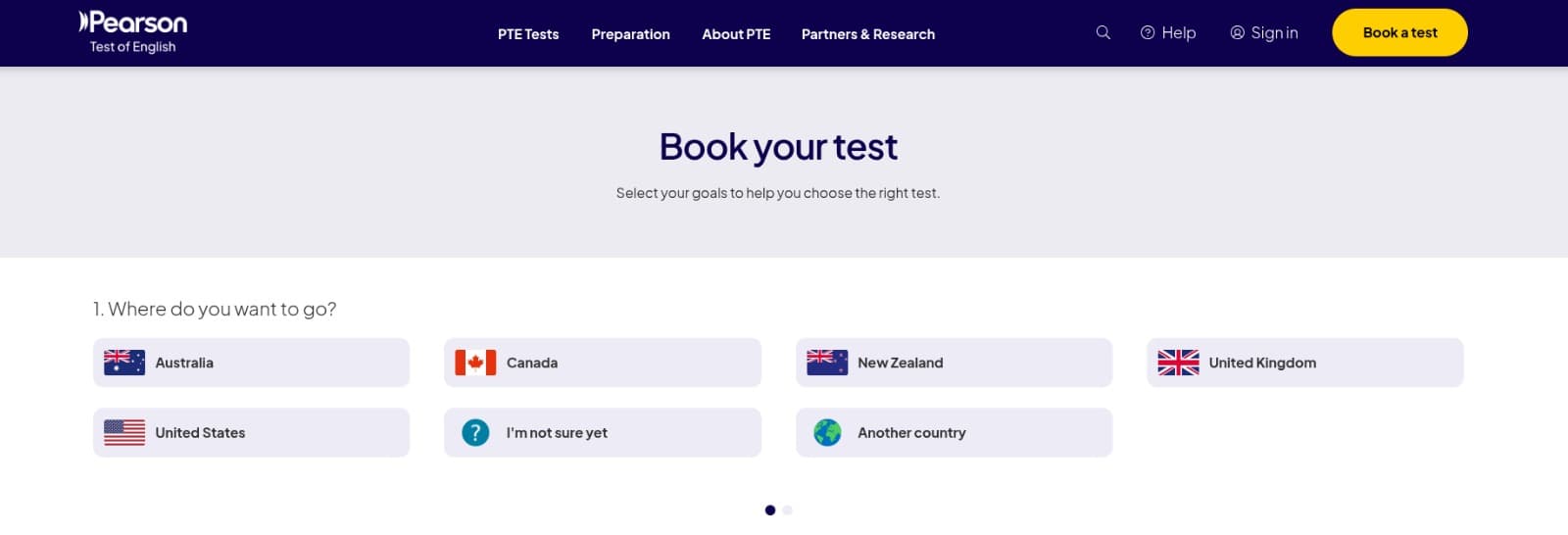
Select Country and Purpose
Select the Country where you are planning to go and select the purpose of taking the PTE test.
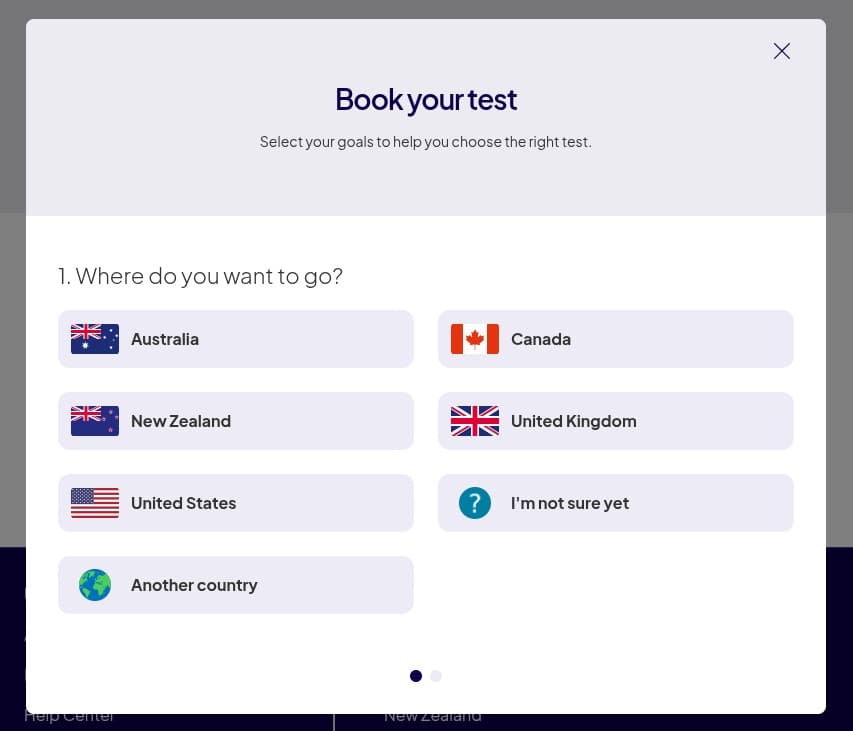
Check Availability & Book
Click on "Check Availability & book" button to proceed.
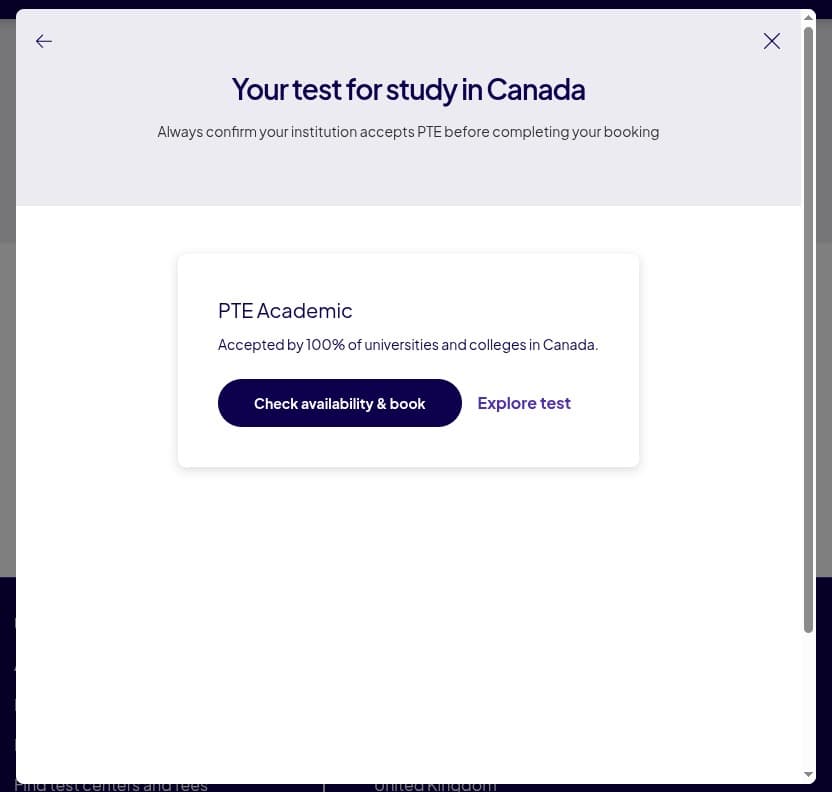
Search Location
Search a Location according to your Country. Write "India" in the search by Location field and then click on Search button.
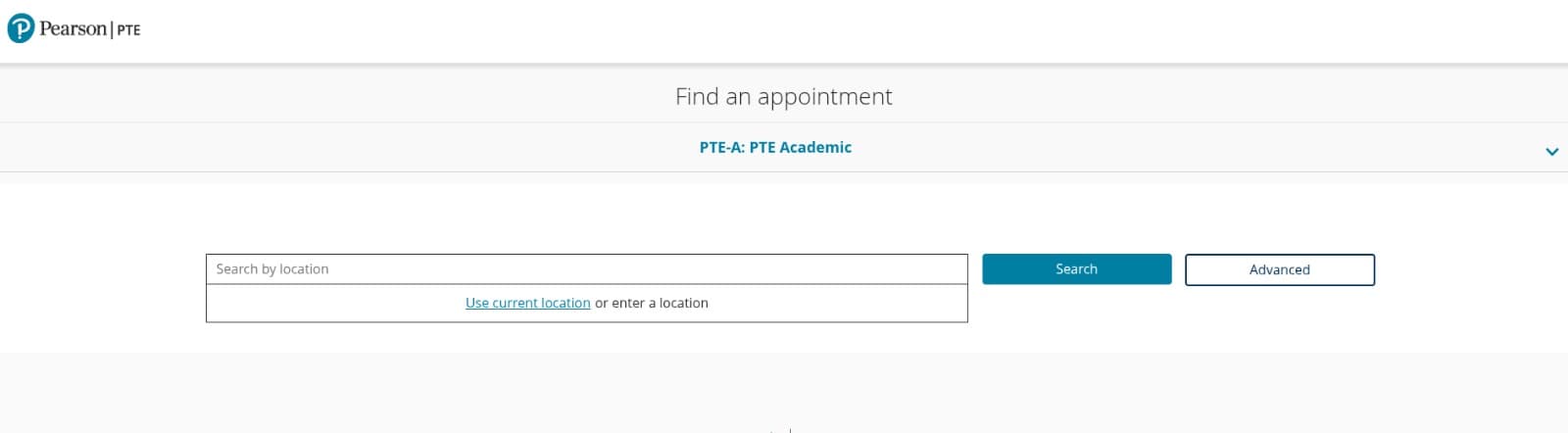
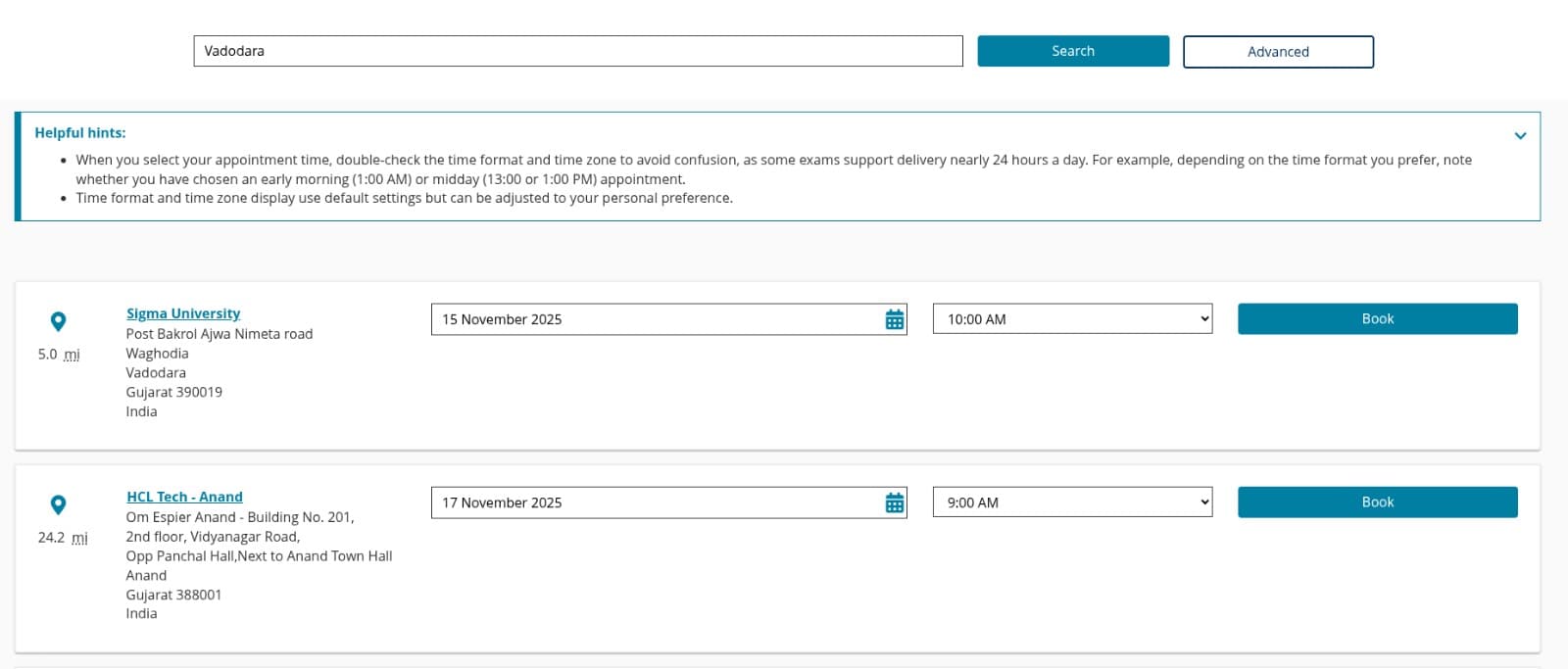
Select Date, Time and Location
All the list of available locations would come. Select your desired date and time according to the location and click "Book" which is in the same card of the selected location.
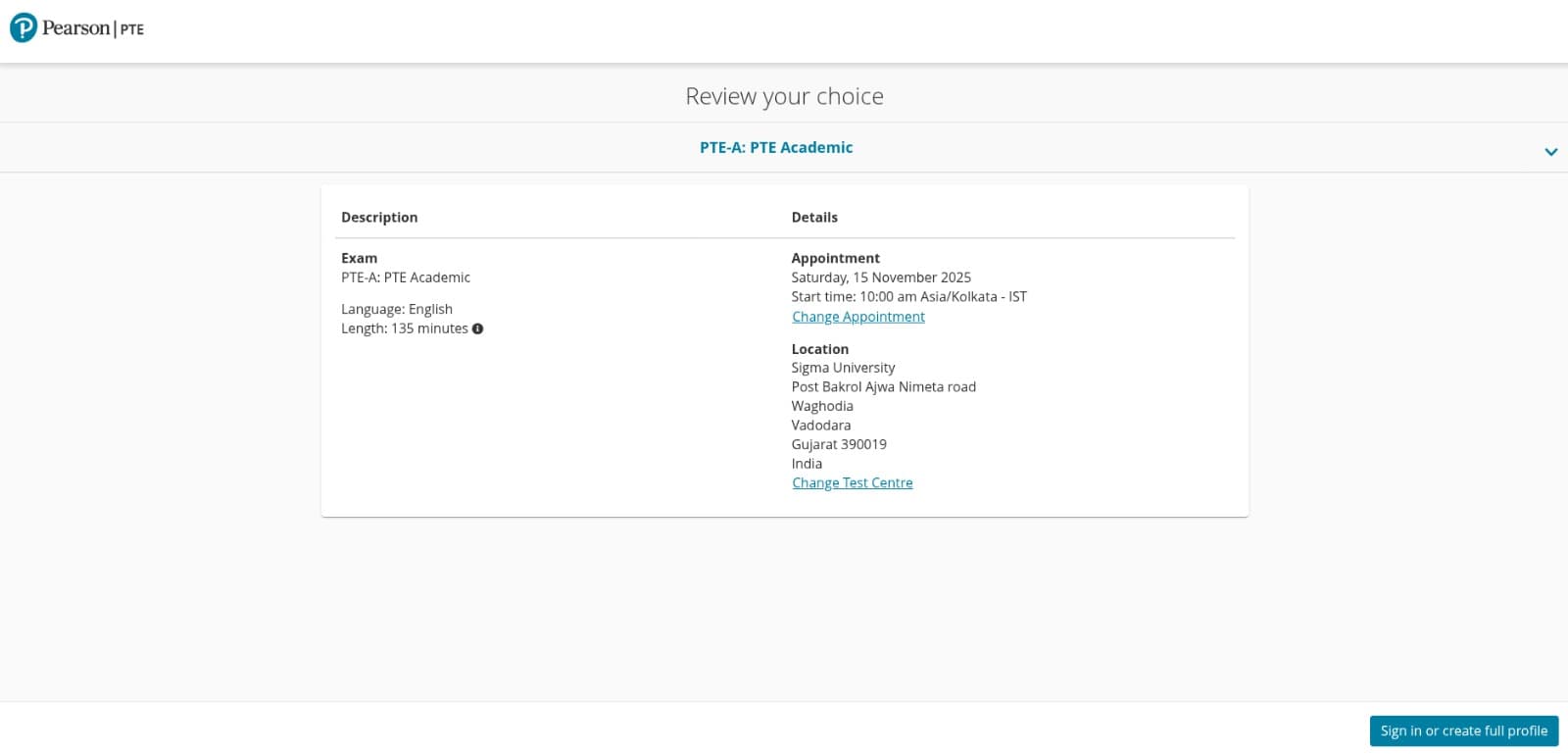
Review and Sign In or Create Account
Review your choice before proceeding and Click on Sign In or Create Account.
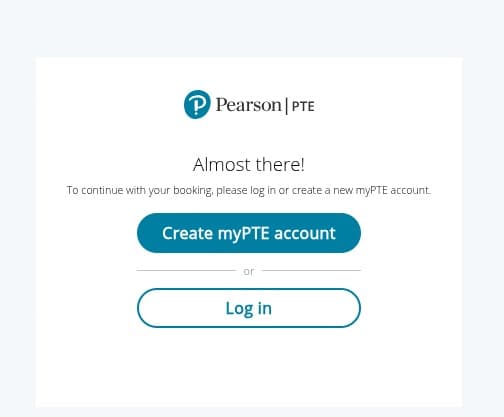
Login or Create myPTE Account
If you already have an account you can login. Else you can click on "Create myPTE account".
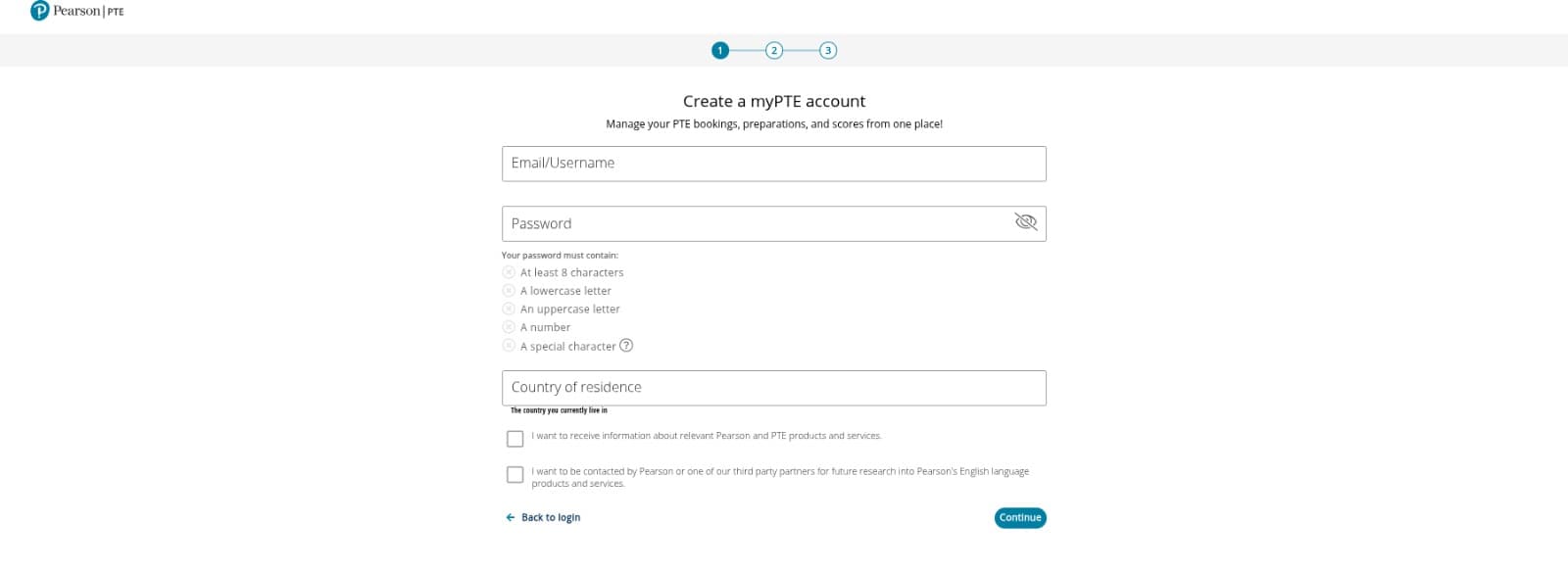
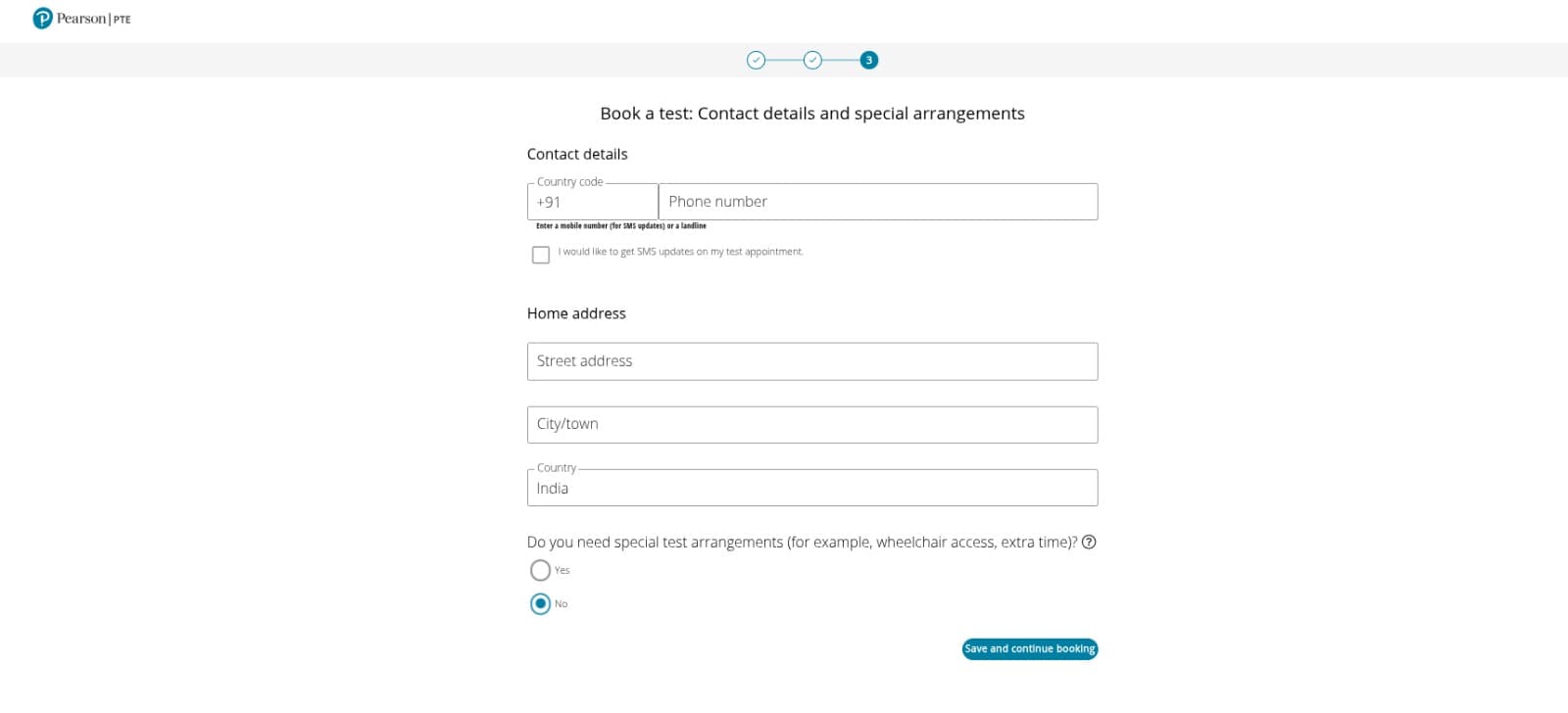
Fill in Your Details
If you click on create myPTE account, this page will open. Fill in your details and click continue.
Apply Voucher Code and Complete Purchase
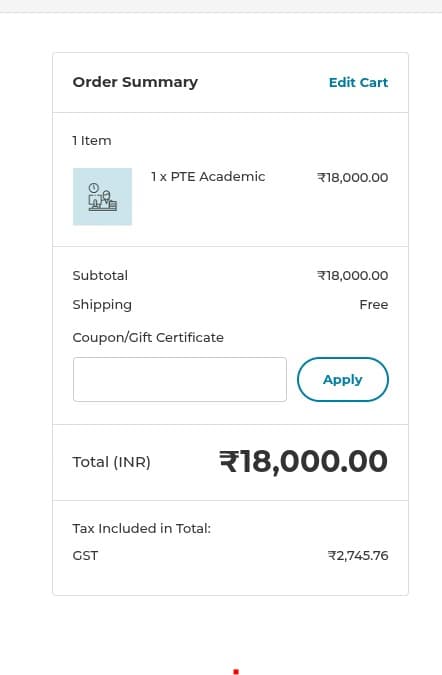
Once all the details are filled you will be headed to order summary page. You just have to write/paste your PTE Test India voucher code inside the Coupon/Gift Certificate field. And then click Apply. You will see that the Exam fee which was previously ₹18,000 is now ₹0. Complete the purchase.
Congratulations! You have successfully booked the Test. Wishing you all the very best from PTE Test India and EEC!
Need Help?
If you face any issues while redeeming your voucher code, please contact us:
Ready to get started?
Buy PTE Voucher Now